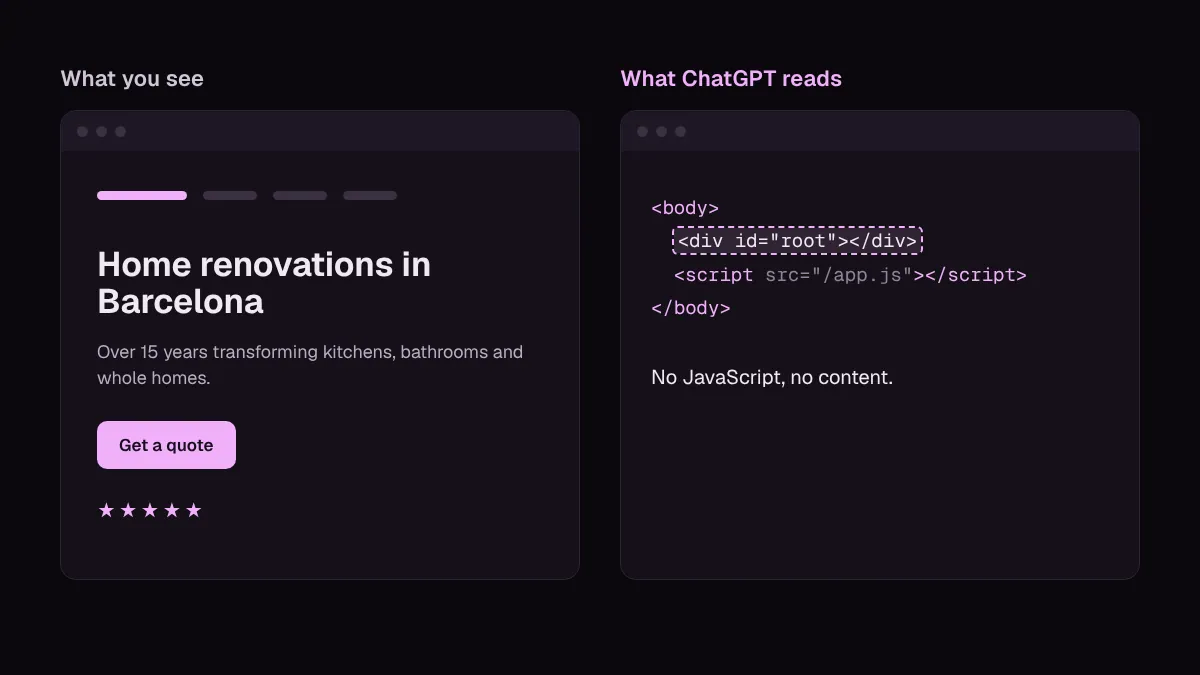
We rebuilt our website from scratch and Google sees the same site: how we moved from WordPress to Astro without losing SEO
 By Rubén R.5 min read
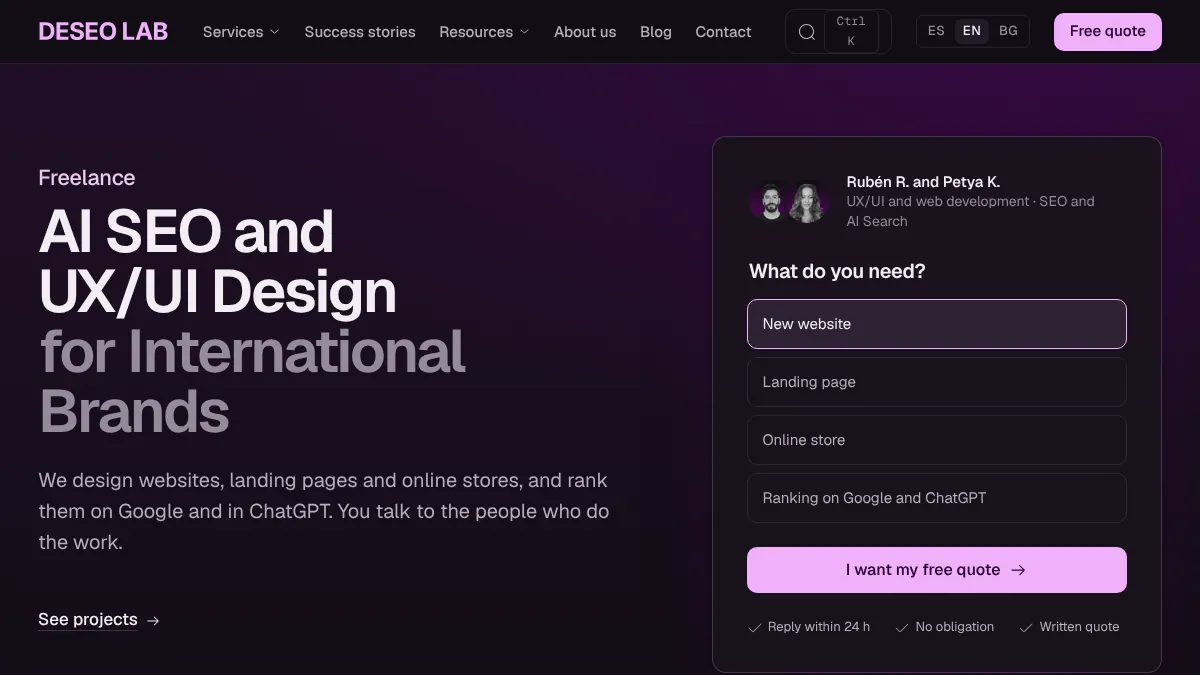
We rebuilt the Deseo Lab website from scratch. New CMS, new code, new design. And to Google it is the same website. That was the point.
Almost every redesign we see loses traffic in the first month. Not because of the design, but because of what nobody checks: URLs that change, titles that disappear, broken hreflang, old images returning 404. The new design gets signed off in a meeting. The hundreds of details Google had already indexed get looked at by no one.
This article walks through the method we used to move from WordPress to Astro without losing a single URL, in case you are about to redesign yours.
Why redesigns lose traffic
Google does not see your design. It sees URLs, and on each URL a set of signals it has spent months or years learning: what the title is, what the page describes, which version is canonical, which version belongs to each language and what kind of content it is.
A redesign usually changes several of those at once without anyone deciding to:
- URLs that change. The new CMS builds paths differently: no trailing slash,
/blog/in front, the file name instead of the slug. - Titles and meta descriptions that disappear. They lived in an SEO plugin that does not get migrated, and the new site falls back to the page name.
- Broken hreflang. On a multilingual site, each language has to point to its equivalents. One page without a translation is enough for the whole set to stop adding up.
- Old images returning 404.
/wp-content/uploads/...paths live in Google Images, in other sites’ articles and in old emails. - Lost schema. The structured data a plugin used to generate is gone, and nobody notices until the rich results disappear.
None of these failures shows on the website. All of them show in Search Console, three weeks later.
Before touching a pixel: the inventory
The first thing we did was not design. It was taking stock of what was there.
1. We listed every public URL
We crawled the old site and pulled its 100 public URLs, in Spanish, English and Bulgarian: service pages, case studies, blog posts, authors, categories and legal pages.
That list is the boundary: none of those URLs is allowed to disappear.
2. We saved an SEO record for each URL
For each one we stored, in a file nobody edits:
- The exact path, trailing slash included.
- The
<title>and meta description. - The canonical and the robots directive.
- The full hreflang set.
- The schema (JSON-LD) types it had.
It is a snapshot of what Google knows today. Everything we do afterwards is compared against it.
3. An automated check decides whether it ships
Comparing 100 pages by hand once is doable. Doing it every time something changes is not. So we set up a check that builds the new site and compares it, URL by URL, with the inventory.
If a path is missing, a title has changed, an hreflang is gone or a schema type disappears, the check fails and the site does not get published. It does not depend on someone remembering to look: it runs in the same process that deploys the site.
4. Old image URLs still work
We copied the original WordPress files to the same path on the new site. An image that lived at /wp-content/uploads/2025/10/photo.jpg still lives there. New images are served optimised, but the old ones do not return 404 to anyone who linked to them.
5. The SEO changes we did want, kept separate
A redesign is also a chance to fix weak titles or descriptions that did not convert. The trap is mixing those improvements with accidental changes: if everything changes at once, you cannot tell what was intended and what is a mistake.
So deliberate changes go in a separate list, decided one by one. The check accepts them because they are written down. Everything else has to stay the same.
The result
We moved from WordPress to Astro, a static and much lighter site, without losing a single URL. The same content to Google, a different website for the people visiting it.
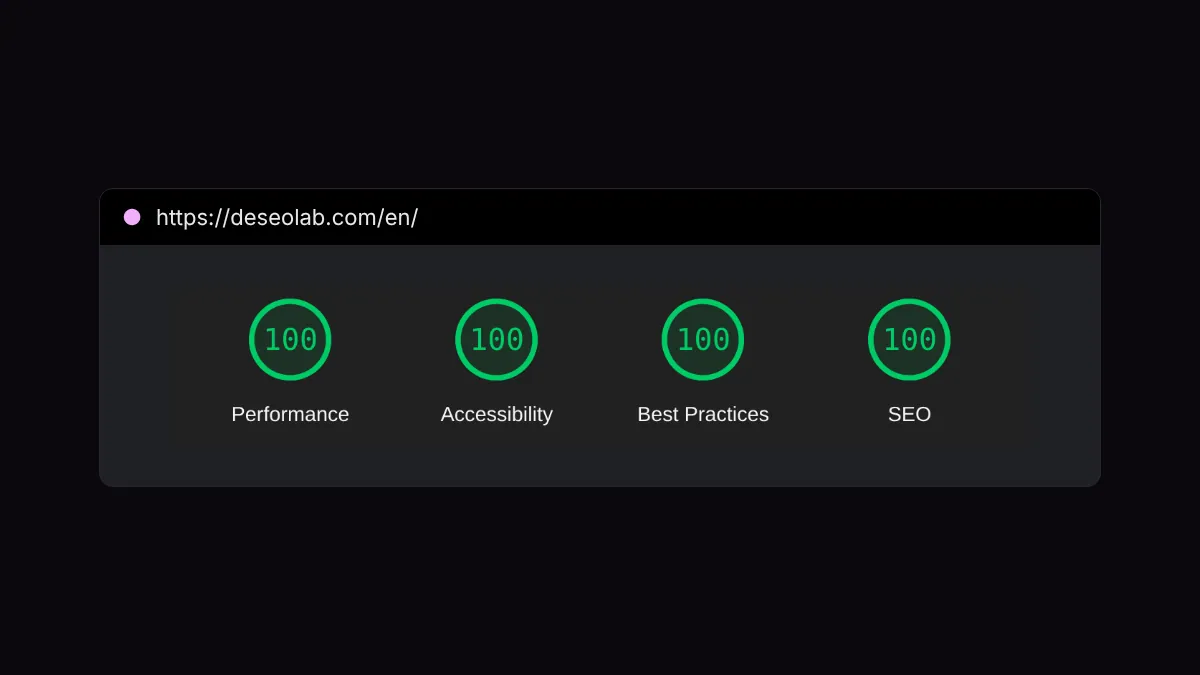
And the Lighthouse score: 100 for performance, 100 for accessibility, 100 for best practices and 100 for SEO.
A static site does not load plugins or query a database on every visit: the HTML is already built. You notice it in speed, which also drives conversions, and in maintenance too. No plugin updates breaking something on a Friday afternoon.
Ready for ChatGPT and friends too
Along the way we got the site ready for AI assistants to understand, as they are increasingly the first way in:
- Schema on every page. Organisation, services, articles, authors, FAQs and breadcrumbs, in JSON-LD. It is the most direct way to tell a machine what each thing is.
- An llms.txt file. A plain-text index of the site’s important pages, written for language models.
If you want to go deeper on this part, Petya explains how to show up in AI answers.
Checklist for migrating your website without losing SEO
If you are about to redesign, this is the minimum we would check:
- Export every public URL from a crawl and from the sitemap. Cross-check with Search Console so you do not miss pages with traffic that are not linked.
- Save an SEO record for each URL: title, meta description, canonical, robots, hreflang and schema.
- Decide which URLs change and set up a 301 for each one. If you can avoid changing them, even better.
- Keep the paths of old images and files, or redirect them.
- Separate intentional SEO changes from everything else and write them down.
- Compare the new site with the inventory before publishing, not after. And every time you change something, not just on launch day.
- Watch Search Console in the following weeks: 404 errors, excluded pages and impression drops per URL. For the full review, use our SEO audit checklist.
What it taught us most
A redesign is not a design project. It is a migration. Design is the easy part.
There are two of us: Petya on SEO and AI, me on design and development. And this project went well precisely because SEO did not show up at the end to “review”: it set the rules before I wrote the first line of code.
If you are going to redesign your website and worry about losing rankings, this is how we work on our website redesign projects. And if you first want to know how Google and AI see you today, ask for the free SEO audit before touching anything.
Has a redesign ever cost you rankings? We would like to know what broke.